SIP Caller is different from other dialers. You don’t need to switch from your current PBX to a new environment to enjoy all the features provided by SIP Caller. SIP Caller connects to your PBX as a remote extension, and makes calls using your own telephone lines.
SIP Caller provides a bunch of great features, which you can easily enable in a matter of minutes. You just need to configure the connection details for the extension you will use in your PBX, and SIP Caller will be ready to start making calls. Some advantages of SIP Caller:
We already took care of all the complexity. Get up and running in a matter of minutes, with no software to install, our step by step configuration wizard, and the callflow templates we provide. No programming is needed, ever!
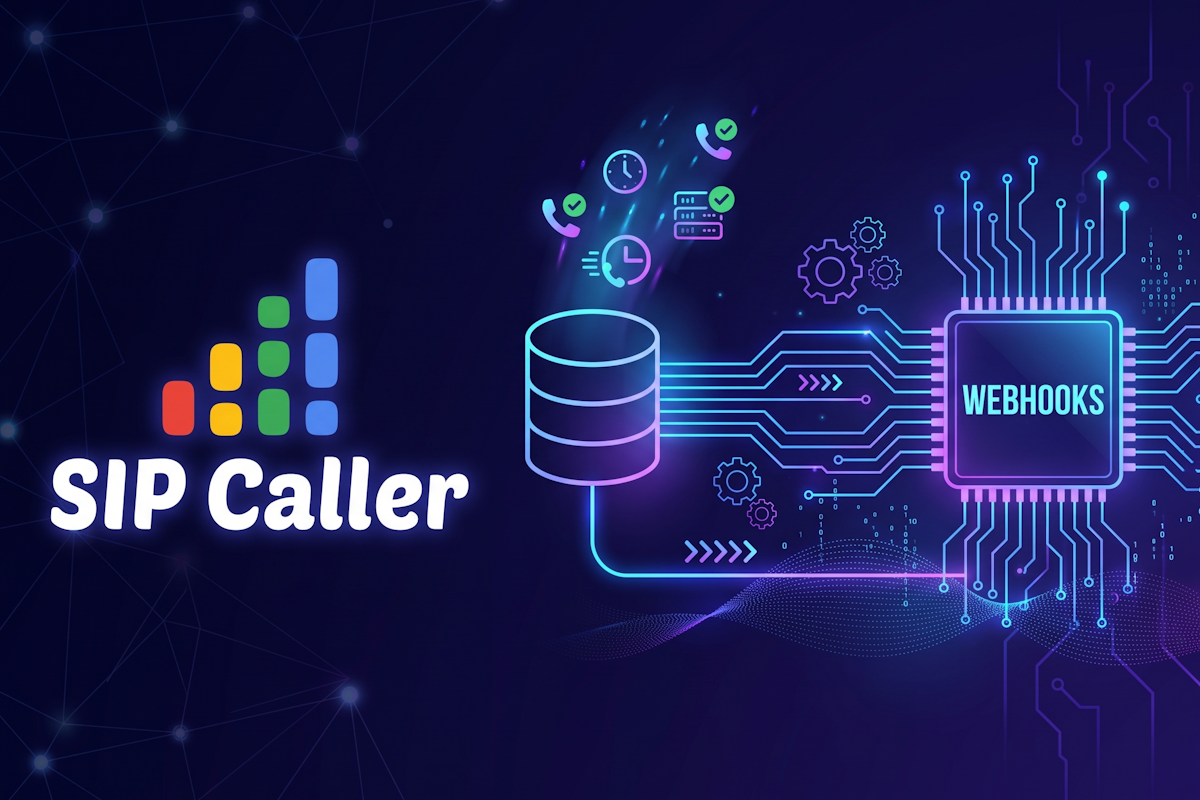
The second part of our integration series closes the loop. A small Python web service receives the Call Ended webhook that SIP Caller sends after every call, verifies its signature, works out whether the patient confirmed, asked to reschedule, or couldn't be reached, and saves the result back to the same database table. We also show how to run it as a service, expose it over HTTPS, and put the results to work.
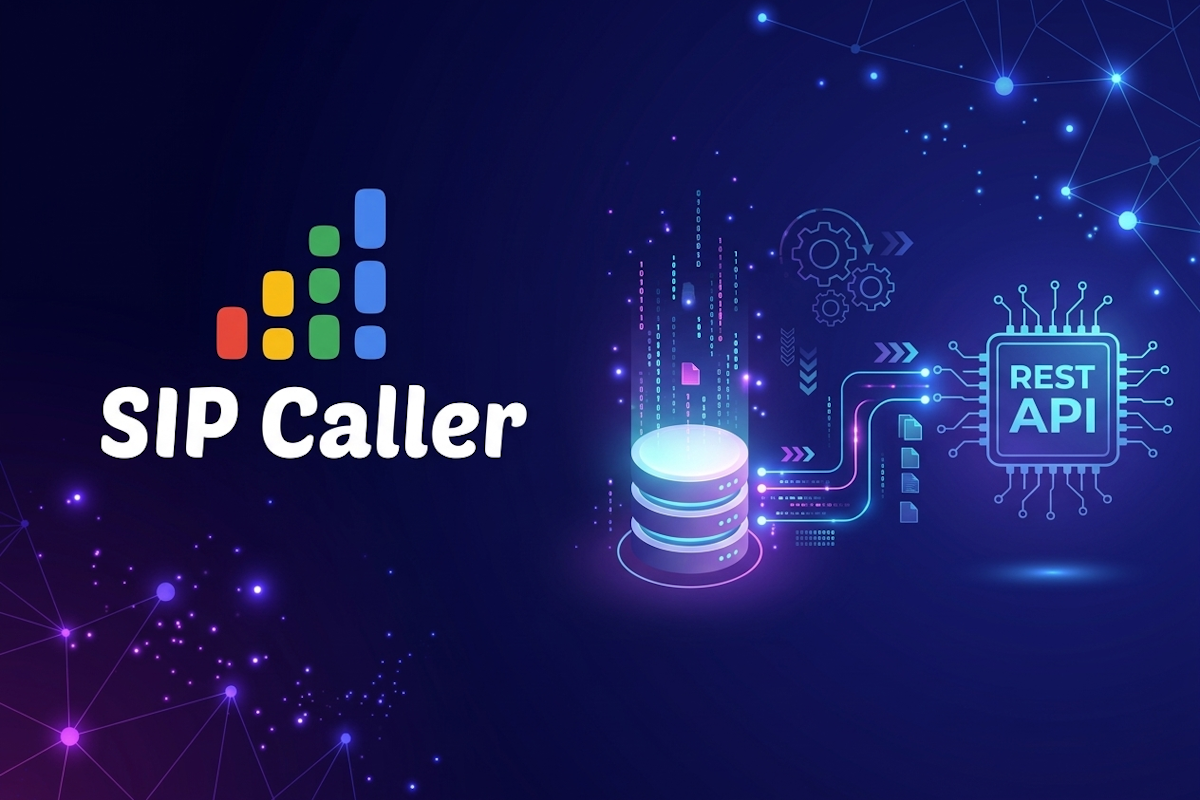
A step-by-step example of connecting SIP Caller with an external database. A short Python script reads tomorrow's appointments from a PostgreSQL table, creates a campaign from a template, loads the numbers with personalized variable values, and activates it through the REST API. A cron job then runs it every day, so your campaigns are fed without any manual work.

Manual dialing has a real cost, even if it never shows up as a single line item: wasted dialing time, wrong numbers, follow-ups that fall through the cracks, and the opportunities lost in between. We break down each of these cost drivers and walk through ROI calculation examples to show what automated dialing can actually save your team.