
Keeping your outbound campaigns running smoothly means knowing exactly what's happening at any given moment — and acting on it fast. This release focuses on exactly that: more visibility into why a campaign isn't making calls, more control over which campaigns get priority, and a much faster response when you activate a campaign.
The list of campaigns — shown in the Dashboard, the Campaigns menu, and the Reports menu — now displays a status icon for each campaign with a lot more information behind it. Beyond the usual Draft, Active, Paused, or Finished status, this icon (and its tooltip) tells you exactly what a campaign is doing right now, and why it might not be making calls even though it's active.
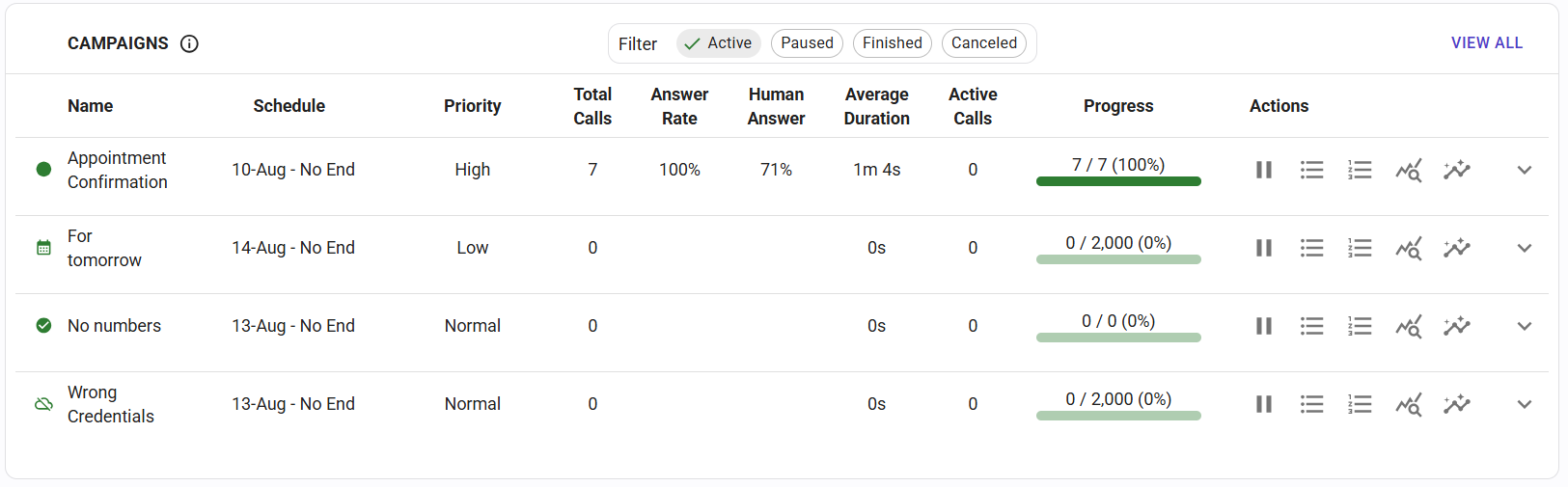
No more guessing or digging through settings — just hover over the icon to see the reason. The possible states are:
This makes it much easier to understand, at a glance, whether a campaign that looks "Active" is genuinely making calls, or stuck waiting on something you can fix.
This has been one of our most requested features: campaigns can now be assigned a Priority of High, Normal, or Low.
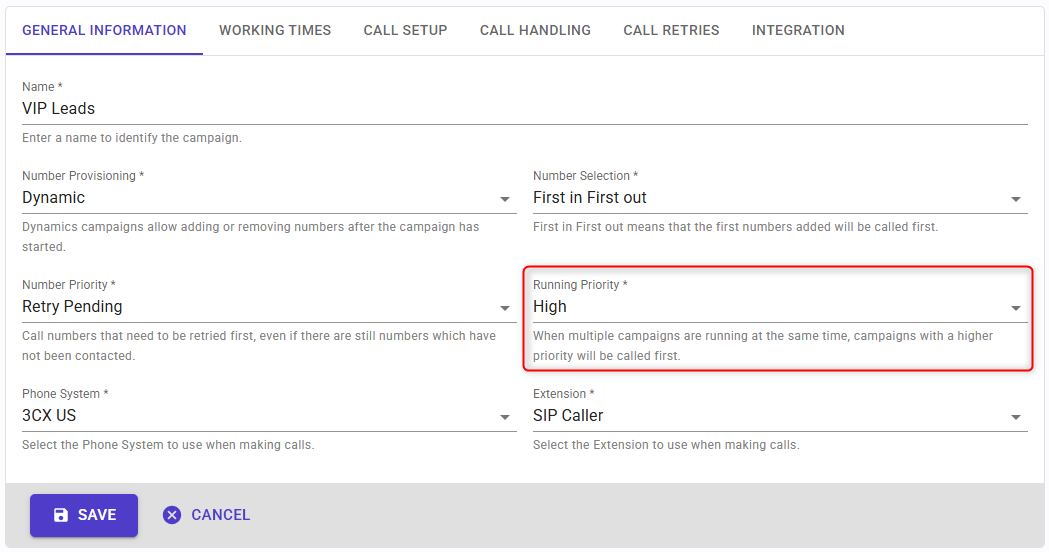
When SIP Caller has multiple active campaigns competing for the same calling capacity, it now fills that capacity following your priority order:
This gives you the flexibility to make sure your most important campaigns — a time-sensitive collections drive, an urgent appointment reminder, a VIP customer outreach — always get the calling capacity they need, while lower-priority campaigns keep making progress in the background whenever there's room.
We've made internal architectural changes to improve the scalability of our platform, and one of the most noticeable side effects is a much faster reaction time when a campaign is activated.
Previously, it could take up to 30 seconds for a newly activated campaign to start making calls. That time has now been reduced to just 5 seconds, so campaigns spring into action almost as soon as you activate them.
While these changes are invisible in the console, they also bring a broader improvement to the overall performance of SIP Caller as our platform continues to scale.
Together, these updates give you a clearer picture of what your campaigns are doing, more say in which ones matter most, and less waiting around once you hit activate.
Log in to your SIP Caller console to check out the new campaign status icons and set up priorities on your active campaigns today.

Black lists and contact lists can now be fully managed through the SIP Caller REST API. You can create, edit, and delete lists, and add or remove their numbers and variable values, directly from your own systems. A new endpoint also loads every number from a contact list into a campaign with a single request. Keep opt-outs in sync with your CRM, refresh contact lists on a schedule, and provision new accounts end-to-end without a single manual step in the console.
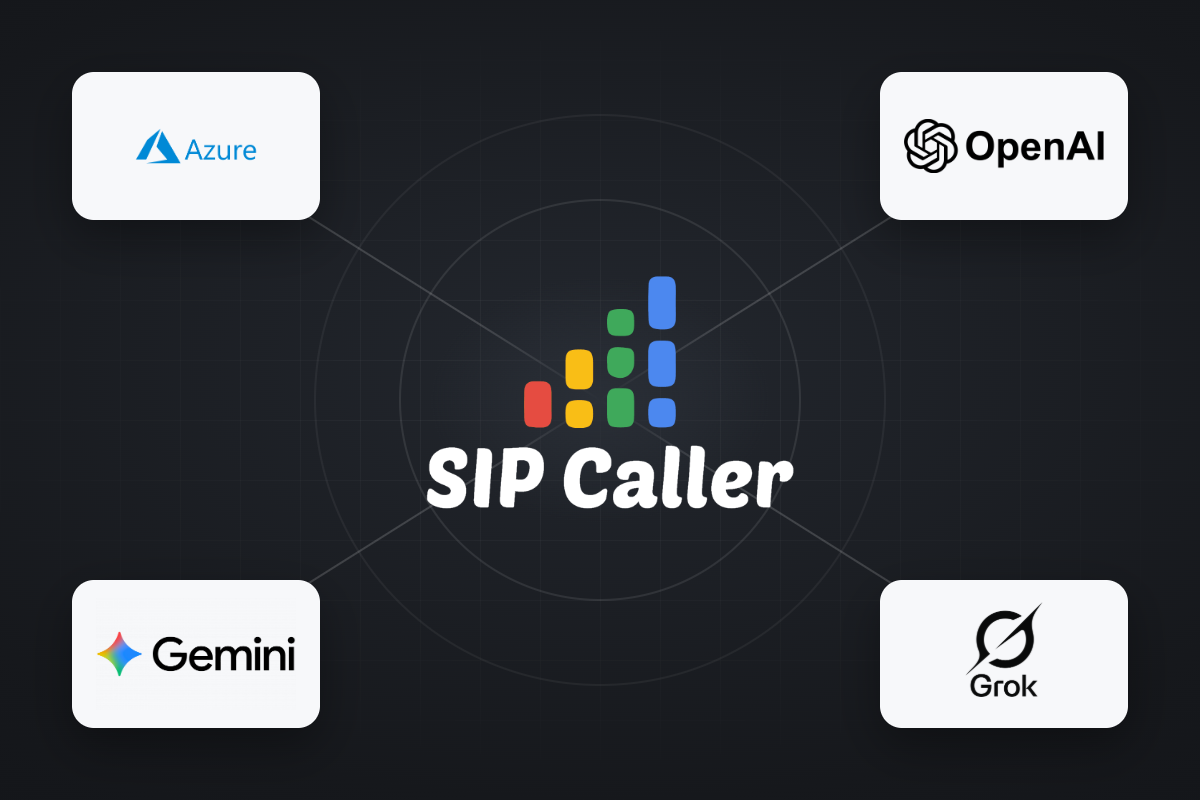
OpenAI and Grok are now available as AI Providers in SIP Caller, joining our existing support for Microsoft Azure AI and Google Gemini AI. Both new providers can power AI Conversational Agents and AI-Based Voicemail Detection across your outbound campaigns. With four AI providers to choose from, you can align SIP Caller with the AI provider agreements your company already relies on elsewhere, or simply pick the best option available on the market for your use case.
Two new REST API methods just landed in SIP Caller: the ability to create and update campaigns directly from your own systems. Combined with our existing endpoints to duplicate campaigns, change their state (activate, pause, resume, or cancel), and add numbers to dynamic campaigns, these new methods complete full campaign lifecycle management through the API.



