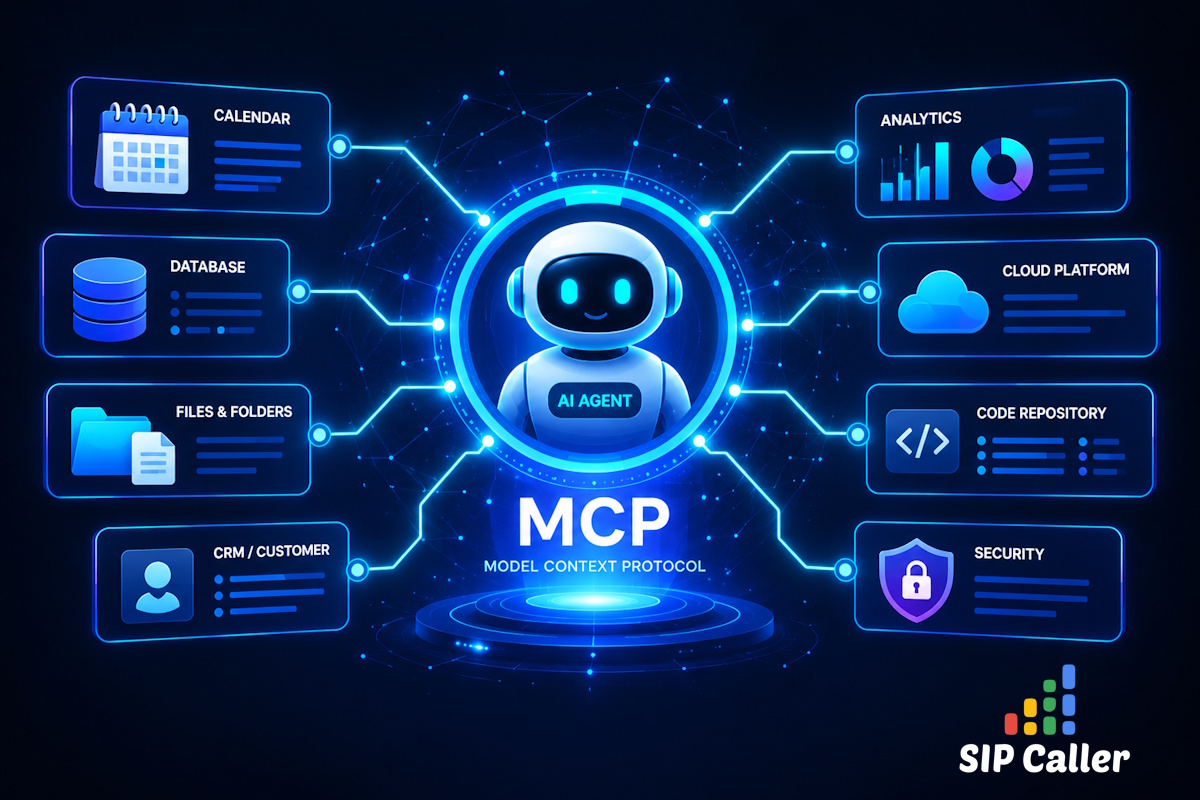
An AI agent that can only talk is limited to what it was told before the call started. Your AI Conversational Agents can now go further: by connecting them to MCP Servers, they can check your calendar, look up a customer in your CRM, or register the outcome of a call in your systems, all while the conversation is happening.
MCP (Model Context Protocol) is an open standard that lets AI agents use tools provided by external systems. An MCP Server publishes a set of tools, such as "find available time slots", "create an appointment", or "search contacts", and describes how to use each one. When the AI agent needs one of them during a call, it invokes the tool, gets the result, and keeps the conversation going with that information.
Many services already publish their own MCP Server, including calendar and scheduling tools, CRMs, and support platforms. If a service you use has one, your SIP Caller AI agents can now use it.
With MCP Servers, a single call can do much more than deliver a message:
MCP Servers are managed from Settings > MCP Servers in the SIP Caller console. Enter a name and the URL provided by the MCP Server documentation, and select how SIP Caller should authenticate:
X-API-Key headerFor OAuth-based MCP Servers, click "Connect" to grant SIP Caller access from the MCP Server consent screen. The credentials never leave SIP Caller servers, and the access token is renewed automatically. SIP Caller then reads the list of tools the MCP Server provides, showing whether each one only reads information, writes new data, or makes destructive changes.
You can also write Instructions for each MCP Server, telling the AI agents what it's for and any conventions they should follow, for example, that the times it returns are in UTC. You write them once, and they're added to every AI agent that uses that MCP Server.
AI Conversational Agents have a new Tools tab, where you enable the MCP Servers the agent can use, and then pick its tools one by one. You can filter them by type (read only, writes, or destructive) and search them by name, so it's easy to give an appointment-setting agent the scheduling tools it needs, and nothing that could modify data it shouldn't touch.
This is the most important part to get right. Every tool you enable is described to the AI Provider on every call, including its name, description, and arguments, and all that information is billed as input tokens, even if the tool is never used during the call. Some MCP Servers, especially CRMs, publish dozens of tools, sometimes more than 100, and enabling all of them can dramatically increase the cost of each call.
We recommend a simple approach:
To help you with that, SIP Caller now reports how AI Providers and MCP tools are used across your campaigns:
aiModelsUsage and mcpServersUsage details for every call, so you can track costs in your own systems.SIP Caller also watches over your MCP Servers. If one of the MCP Servers used by a campaign loses its authorization, or has no tools available, the campaign stops making calls and shows the "MCP Server Not Available" status, instead of letting the AI agent talk to your contacts without the tools it was configured with.
MCP Servers are available today for all Enterprise plan customers, and work with every AI Provider supported by SIP Caller: Microsoft Azure, Google Gemini, Grok, and OpenAI.
For more details, check out our documentation on MCP Servers and AI Conversational Agents.
👉 Log in to your SIP Caller console and connect your first MCP Server today.

Black lists and contact lists can now be fully managed through the SIP Caller REST API. You can create, edit, and delete lists, and add or remove their numbers and variable values, directly from your own systems. A new endpoint also loads every number from a contact list into a campaign with a single request. Keep opt-outs in sync with your CRM, refresh contact lists on a schedule, and provision new accounts end-to-end without a single manual step in the console.

This release brings three meaningful improvements to SIP Caller. The list of campaigns in the Dashboard, Campaigns menu, and Reports menu now shows a detailed status icon explaining exactly why an active campaign isn't making calls. Campaigns can now also be assigned a Priority (High, Normal, or Low), so your most important campaigns get access to calling capacity first. And thanks to internal architectural improvements, campaigns now start making calls within 5 seconds of activation, down from up to 30 seconds previously.
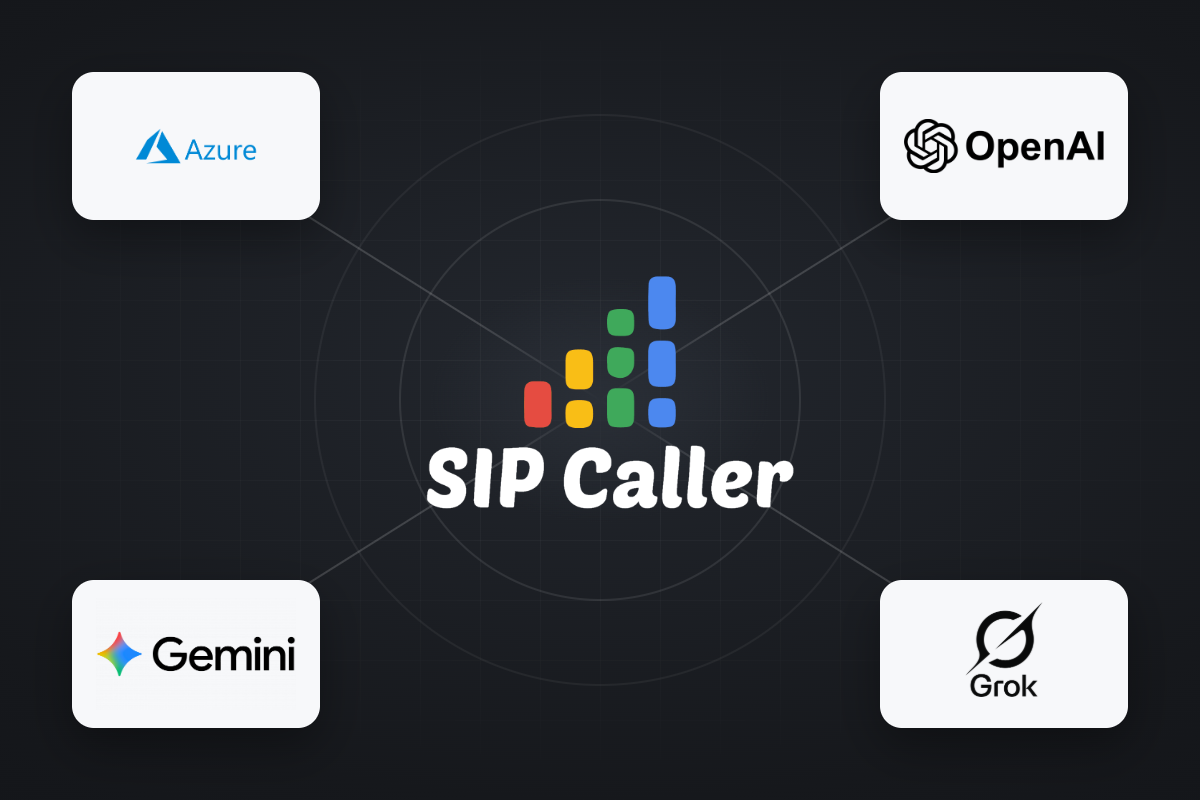
OpenAI and Grok are now available as AI Providers in SIP Caller, joining our existing support for Microsoft Azure AI and Google Gemini AI. Both new providers can power AI Conversational Agents and AI-Based Voicemail Detection across your outbound campaigns. With four AI providers to choose from, you can align SIP Caller with the AI provider agreements your company already relies on elsewhere, or simply pick the best option available on the market for your use case.



