
Running successful outbound campaigns requires flexibility and control — whether you’re using SIP Caller as a predictive dialer, progressive dialer or power dialer. With our latest update, SIP Caller introduces several powerful features that make campaigns smarter, more efficient, and more adaptable to your specific goals. These improvements help teams reach more customers, reduce missed opportunities, and optimize how call retries are handled.
Campaigns now include a new “Number Priority” setting, allowing you to decide how SIP Caller should prioritize calls during a campaign.
This new option gives you control over your campaign’s pacing strategy — whether you want to maximize the chances of reaching previously unavailable contacts, or ensure full initial coverage of your contact list before retrying.
We’ve added support for DTMF tones, enabling SIP Caller to handle IVRs (Interactive Voice Response systems) automatically.
When calling business phone numbers, it’s common to encounter menus that require key presses to reach the right person or department. Previously, such calls were considered answering machines and would fail. Now, SIP Caller can automatically send tone sequences and pauses to navigate through these IVRs.
For example:
+18005550001p2p456
Each p represents a 2-second pause. In this case, SIP Caller will:
+180055500012456You can include as many pauses as needed, giving you complete control over how SIP Caller interacts with IVR systems to reach your target contact.
Another major improvement is the ability to define multiple phone numbers per record.
Previously, each record contained a single phone number:
Number,CustomerName,Balance
18005550001,John Doe,$200
18005550002,Jane Doe,$100
Now, you can specify up to five phone numbers separated by semicolons:
Number,CustomerName,Balance
18005550001;18005550011,John Doe,$200
18005550002;18005550012,Jane Doe,$100
If the first number cannot be contacted, SIP Caller will automatically try the next one. Once all numbers are attempted, SIP Caller will start again from the first one according to your retry rules.
This is especially useful for businesses where a contact may have multiple reachable numbers — mobile, office, or alternate lines — increasing the chances of a successful connection.
These updates make SIP Caller even more powerful and adaptable for your call campaigns — whether you’re running customer service follow-ups, appointment reminders, or large-scale outreach programs.
Stay tuned — more enhancements are on the way to help you make every call count.

Black lists and contact lists can now be fully managed through the SIP Caller REST API. You can create, edit, and delete lists, and add or remove their numbers and variable values, directly from your own systems. A new endpoint also loads every number from a contact list into a campaign with a single request. Keep opt-outs in sync with your CRM, refresh contact lists on a schedule, and provision new accounts end-to-end without a single manual step in the console.
This release brings three meaningful improvements to SIP Caller. The list of campaigns in the Dashboard, Campaigns menu, and Reports menu now shows a detailed status icon explaining exactly why an active campaign isn't making calls. Campaigns can now also be assigned a Priority (High, Normal, or Low), so your most important campaigns get access to calling capacity first. And thanks to internal architectural improvements, campaigns now start making calls within 5 seconds of activation, down from up to 30 seconds previously.
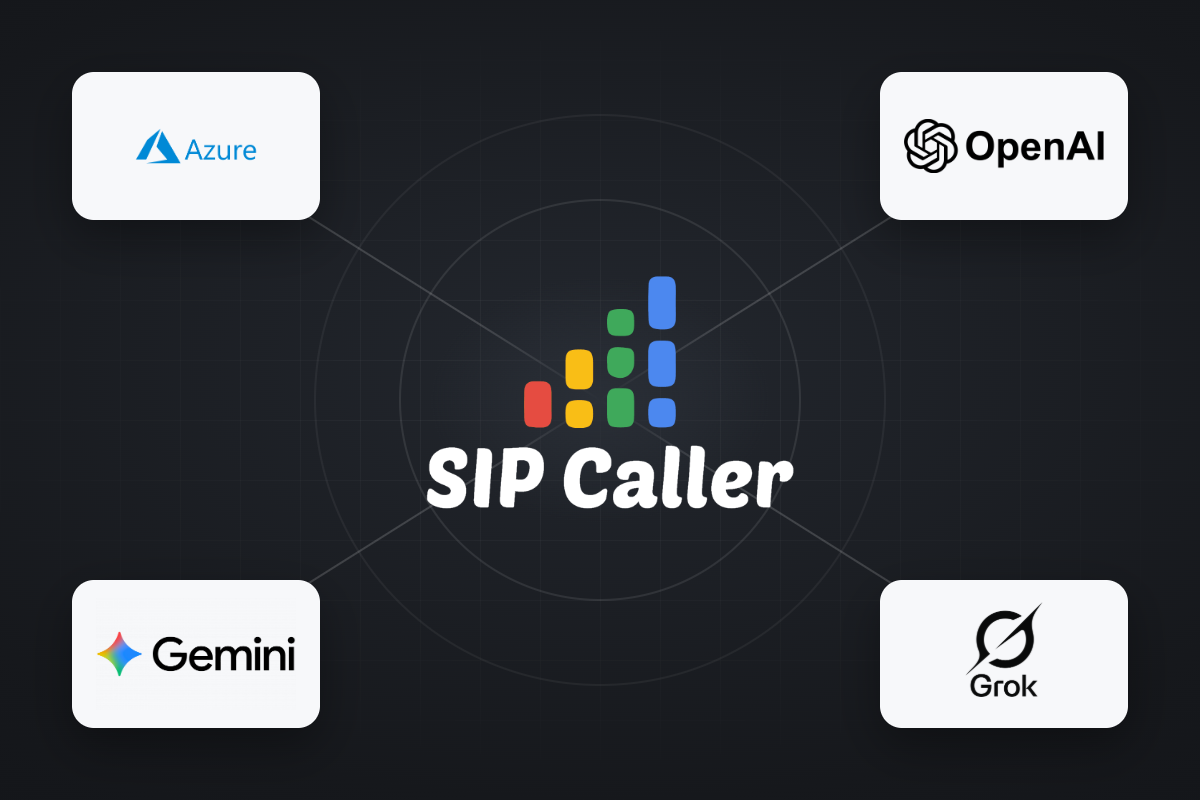
OpenAI and Grok are now available as AI Providers in SIP Caller, joining our existing support for Microsoft Azure AI and Google Gemini AI. Both new providers can power AI Conversational Agents and AI-Based Voicemail Detection across your outbound campaigns. With four AI providers to choose from, you can align SIP Caller with the AI provider agreements your company already relies on elsewhere, or simply pick the best option available on the market for your use case.



