We’re excited to announce a highly requested enhancement to SIP Caller: you can now listen to Text-to-Speech (TTS) voices directly from the management console!
Gone are the days of switching between SIP Caller and third-party TTS galleries. Previously, users had to navigate to external websites like Google Cloud’s voice sample page or Microsoft Azure’s voice gallery just to preview voices. It was tedious and time-consuming - especially when you just wanted to test how a message would sound with a specific voice.
Now, the process is simple and seamless.
You can preview voices in two places:
 Next to the TTS Voice dropdown, you’ll see a “Speaker” button 🎵. Click it, and you’ll instantly hear a sample of the selected voice using a predefined message. Want to hear your own message instead? No problem - you can click the Configure button, enter a custom message and test how it sounds with different voices.
This makes it much easier to:
We believe small enhancements like this make a big difference. By letting you preview voices right where you configure your campaigns, SIP Caller continues to streamline your communication workflow and help you move faster.
Ready to try it? Log in to your SIP Caller console and test your favorite voices today!
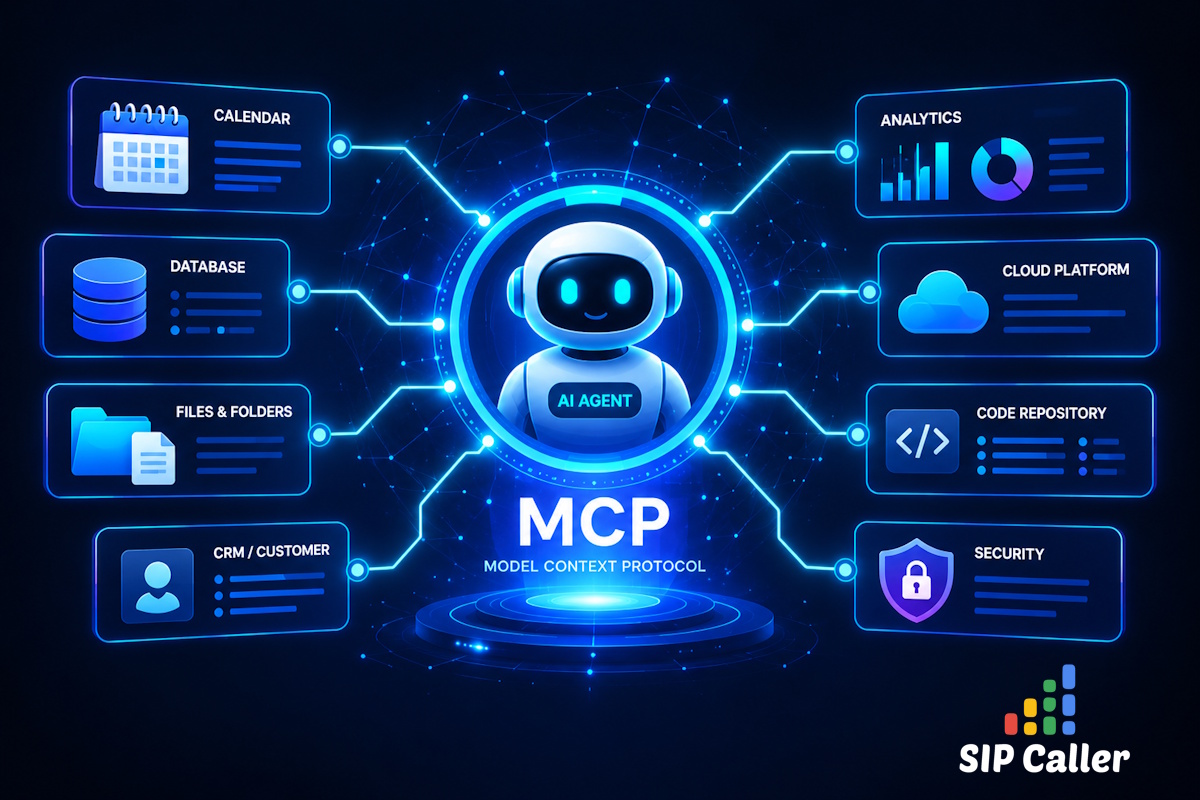
SIP Caller AI Conversational Agents can now connect to MCP Servers, so they can check your calendar, look up customers in your CRM, and update your records while they talk to your contacts. Connect MCP Servers securely with OAuth 2.0, automatic registration, or API keys, choose exactly which tools each agent can use, and track every tool invocation and the AI tokens used by each call across new reports, charts, and webhook data.

Black lists and contact lists can now be fully managed through the SIP Caller REST API. You can create, edit, and delete lists, and add or remove their numbers and variable values, directly from your own systems. A new endpoint also loads every number from a contact list into a campaign with a single request. Keep opt-outs in sync with your CRM, refresh contact lists on a schedule, and provision new accounts end-to-end without a single manual step in the console.

This release brings three meaningful improvements to SIP Caller. The list of campaigns in the Dashboard, Campaigns menu, and Reports menu now shows a detailed status icon explaining exactly why an active campaign isn't making calls. Campaigns can now also be assigned a Priority (High, Normal, or Low), so your most important campaigns get access to calling capacity first. And thanks to internal architectural improvements, campaigns now start making calls within 5 seconds of activation, down from up to 30 seconds previously.